# RDP подключение к Windows server с Ubuntu
**RDP (Remote Desktop Protocol)** — протокол, который позволяет удаленно работать с сервером.\
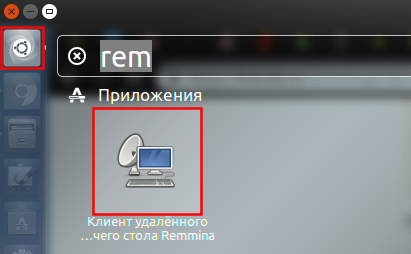
Для подключения мы рекомендуем использовать встроенный клиент **Remmina**.
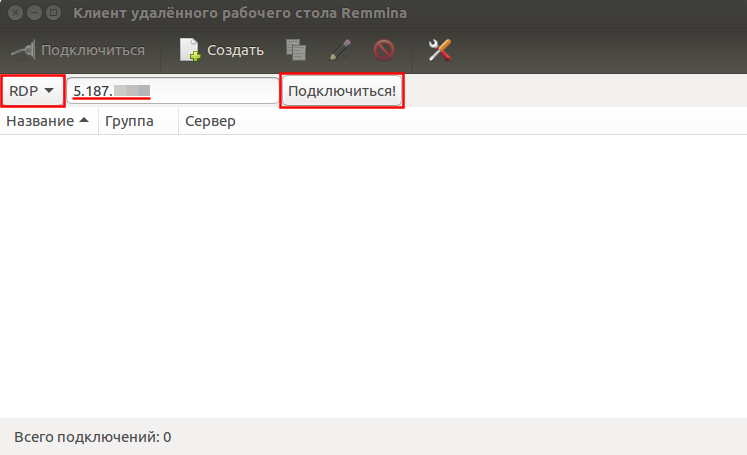
В окне приложения выбираем тип подключения RDP и вводим IP адрес сервера.\
Затем нажимаем кнопку **«Подключиться»**.
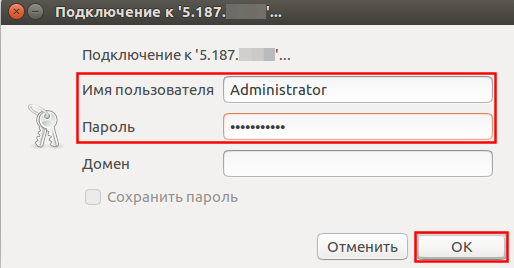
Укажем имя пользователя и пароль, которые вы найдете в Биллинге.
При первом подключении Remmina уточнит информацию о недоверенном сертификате безопасности.\
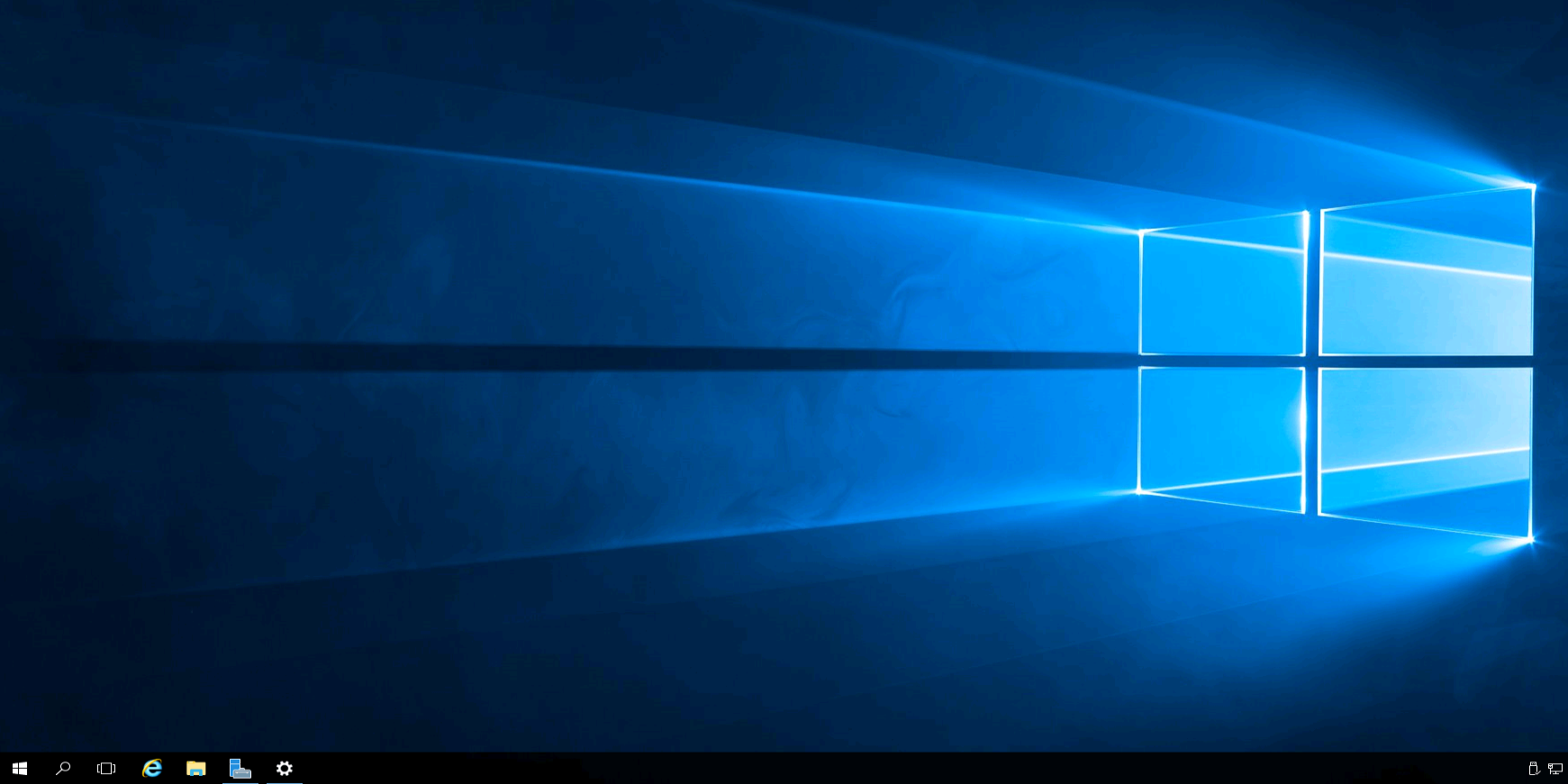
Нажимаем **«Принять»** и увидим рабочий стол Windows.
---
# Agent Instructions: Querying This Documentation
If you need additional information that is not directly available in this page, you can query the documentation dynamically by asking a question.
Perform an HTTP GET request on the current page URL with the `ask` query parameter:
```
GET https://docs.sclad.group/baza-znanii-skladtim/administrirovanie-linux/rdp-podklyuchenie-k-windows-server-s-ubuntu.md?ask=
```
The question should be specific, self-contained, and written in natural language.
The response will contain a direct answer to the question and relevant excerpts and sources from the documentation.
Use this mechanism when the answer is not explicitly present in the current page, you need clarification or additional context, or you want to retrieve related documentation sections.